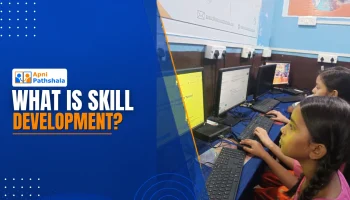
A digital learning centre is more than a room filled with computers. It is a place where students practise, teachers guide, and access to technology becomes an opportunity to explore new skills. But what does that look like in a busy Mumbai neighbourhood, and what does a centre need beyond equipment?
During a visit to OSCAR Foundation’s Community Learning Centre in Cuffe Parade, Mumbai, the Apni Pathshala team saw student participation alongside gaps in curriculum, offline resources, software familiarity, and teacher support.
Tara Rajput Singh from the Tech Department, Gaurav Sharma from the POD Department, and Chitransh from the Social Media Team conducted the visit. They met centre leader Manju and teacher Ganga, and spoke with students about their learning needs.
A Community Learning Centre in Action
The centre operated from 10 AM to 6 PM, with computer classes conducted every day. The visit notes recorded 70-80 enrolled students, around 60 students attending during the previous seven days, and 30 students present.
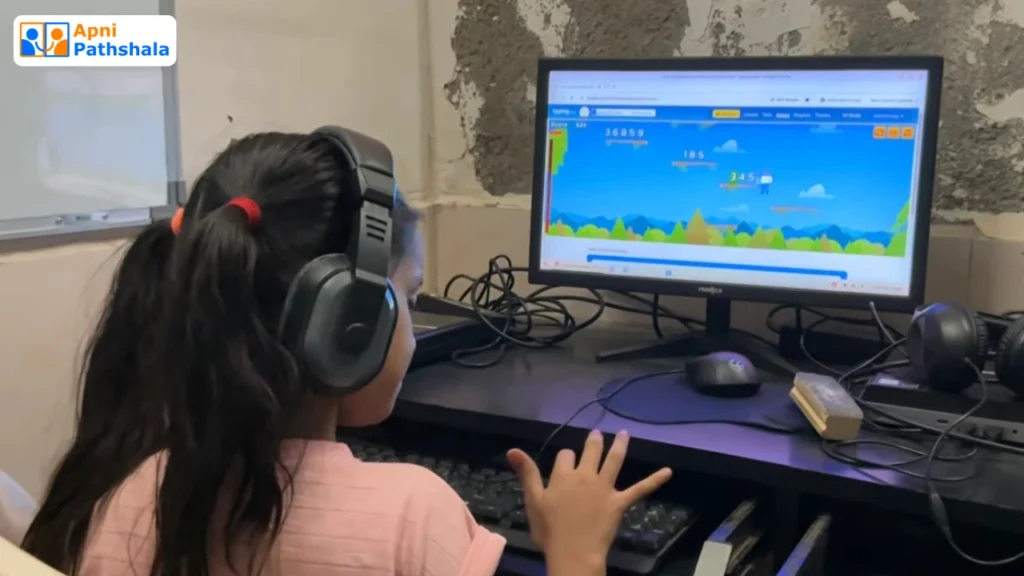
Students practised typing, worked in LibreOffice Writer, and solved quizzes. Some could create and save documents independently, while others were still developing basic computer skills. Students also used GCompris for puzzle-based activities, and the centre used Upshot to store student results.
Computer access was already part of the students’ routine. The next challenge was making that access more structured and connected to practical learning goals.
Digital Literacy for Students: Beyond Typing
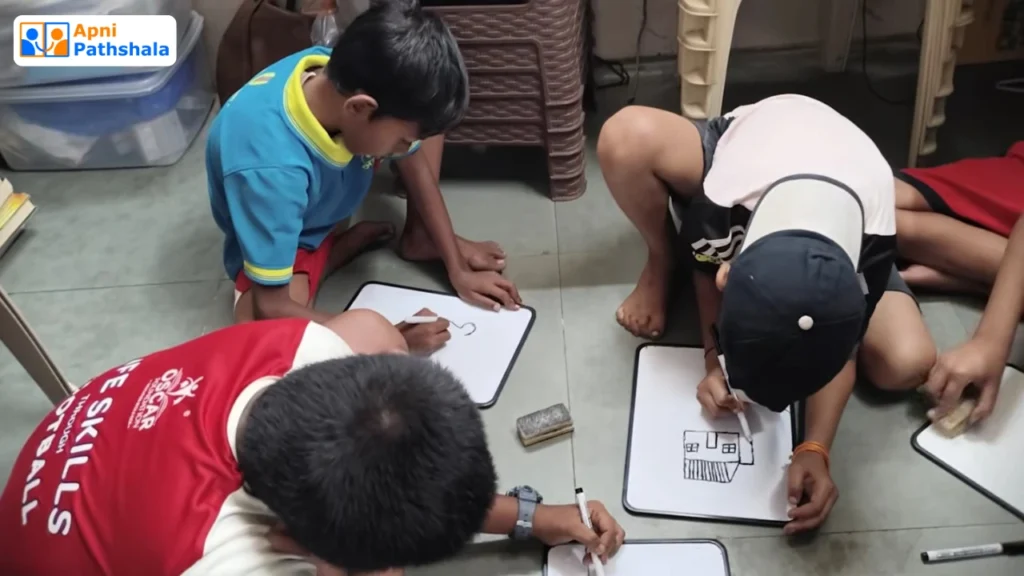
Typing is a useful starting point, but students also need opportunities to apply computer skills to meaningful tasks. During the visit, students were writing compositions in LibreOffice Writer. The team noticed that structured practice with documents and applications could be strengthened.
When asked what they wanted to learn next, students mentioned Canva, YouTube-based learning, and designing. These interests can become starting points for practical lessons. A student interested in design can create a poster; a learner curious about videos can explore research and presentations; and a student who enjoys games can practise logic and problem-solving.
UNESCO’s global framework for digital literacy includes information and data literacy, communication, digital content creation, safety, and problem-solving. It shows why digital education should move beyond basic device familiarity. Explore UNESCO’s Digital Literacy Framework
The Need for Structured Learning Resources
One of the centre’s clearest requests was for multiple structured syllabi in printed form. Teachers explained that students needed hard-copy learning material they could follow independently, including when a teacher was unavailable or when another student wanted to explore a subject.
Online resources had been shared, but they were not always practical for younger students. The centre requested several different syllabi, video-based curriculum support, and printed copies that students could use at their own pace.
Providing computers creates access; a clear curriculum helps students understand how to use it. UNICEF’s research on digital learning implementation highlights the importance of relevant, easy-to-use tools, teacher support, and evidence-led improvement. Read UNICEF’s Making Digital Learning Work
Teachers Make Digital Learning Work
Ganga managed classes daily from 10 AM to 6 PM, with support from an intern, Sanjana. Her role included teaching, interacting with students, and learning alongside them. Centre leader Manju also expressed a strong interest in improving the learning experience.
The teachers requested a complete beginner-friendly Scratch course, additional syllabi, teacher training, exposure to how other teachers run their centres, and career guidance opportunities for students.
Manju wanted to visit other PODs or connect with them online to exchange ideas and discover activities that could make learning more engaging.
The International Telecommunication Union notes that young people need both access to ICT and the digital skills to use technology for education and opportunity. The same principle applies to the adults guiding their learning. Explore ITU’s Youth and Children Digital Inclusion Work
Making Digital Tools Easier to Use
The visit also reviewed the centre’s use of Apni Pathshala systems. VED updates had been submitted during the previous four weeks, and student photos, activities, and progress were being documented. Tara explained the VED workflow and clarified minor usage questions.
Apni Prerna, however, was not installed on the available computers. The teacher reported that student login credentials were difficult to use and internet issues affected access. For younger learners, a simpler entry process and suitable guidance were important considerations.
The centre also reported confusion because its existing computers used Windows while the additional Apni Pathshala computers used Zorin OS. This highlighted the need for a consistent learning environment and clear instruction around the software students are expected to use.
Community Engagement and Student Opportunities
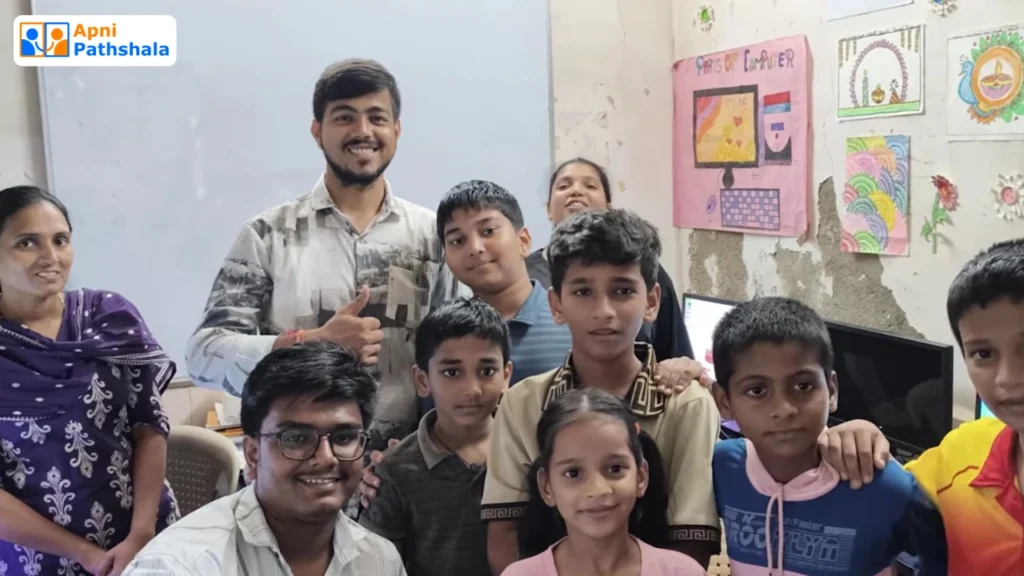
The centre reached local students through offline community campaigns. Parents visited, and a parent meeting or community event had recently taken place. The team discussed organising another parent-teacher meeting and a local seminar to showcase student work.
The centre also identified family needs, including student fees, access to advanced learning, and further opportunities. Apni Pathshala’s POD programme supports community-based access to digital learning. A centre’s long-term value depends on how well its activities respond to local needs.
What the POD Visit Revealed
The visit did not point to a lack of student interest. Students attended regularly, used computers, and asked to explore new tools. The immediate gaps were structured course material, practical activities, teacher development, accessible digital platforms, and a consistent learning experience.
The team proposed addressing basic issues one by one, introducing Scratch fundamentals, supporting teacher learning, clarifying the computer environment, and exploring guided online sessions in areas such as Canva where appropriate.
These were proposed next steps, not completed outcomes. Their value will depend on follow-through, teacher support, and regular opportunities for students to practise.
Explore the Community Learning Experience
A digital learning centre becomes meaningful when access turns into regular practice, curiosity, and opportunities to create. Watch the visit video, Inside Mumbai’s CHEAPEST Digital Room, for a closer look at the community learning environment.
You can also read Apni Pathshala’s Learn From Peers case study to explore how students can learn with and from one another.
Frequently Asked Questions
1. What happens in a digital learning centre?
Ans. A digital learning centre gives students access to computers, guided practice, digital resources, and opportunities to build practical skills. Activities should match learners’ levels and interests.
2. Why is a structured computer curriculum important?
Ans. A structured curriculum gives students a clear learning sequence, practical tasks, and a way to practise independently. Printed resources can also help when internet access or teacher availability is limited.
3. What digital skills can students learn?
Ans. Students can develop typing, document creation, research, presentation, design, online safety, and problem-solving skills. The right starting point depends on their age and current ability.
4. How can a community start a digital learning centre?
Ans. A community needs local leadership, suitable infrastructure, a realistic learning plan, teacher support, and consistent student engagement. Explore Apni Pathshala’s Community Centre POD model to learn more.