A school can have a room full of computers and good internet, and still have a lab students barely use. The problem is often the system around the computers.
Unclear ownership, irregular maintenance, timetable gaps and fear of damage can slowly turn a useful lab into a locked room.
For principals and lab in-charges, the goal is simple: keep the lab available, usable and regularly used.
The Locked Lab Problem
A locked lab often starts with one small issue. One computer stops working, then another develops a software problem. When nobody fixes them quickly, teachers stop depending on the lab.
This creates a cycle:
Less use → less monitoring → more problems → more hesitation → even less use.
Good computer lab management breaks this cycle by making maintenance, responsibility and usage part of the school’s normal routine.
8 Reasons School Computer Labs Stop Working
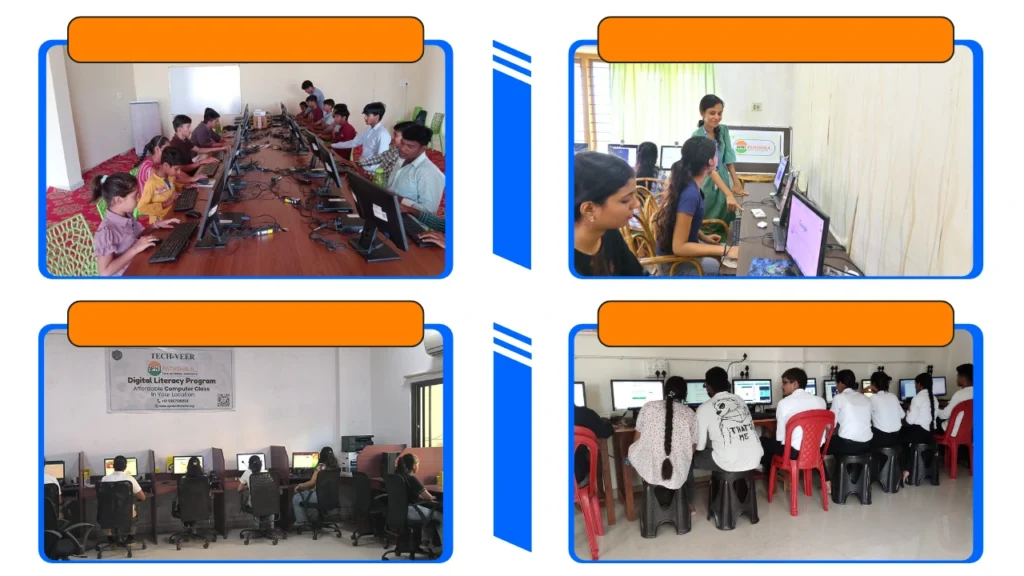
1. No trained teacher
A teacher may be excellent at teaching but still not know how to handle a login, software or connectivity problem. Fix: Assign one lab in-charge for basic checks and technical follow-up.
2. No maintenance budget
Schools often budget for buying computers but forget the cost of keeping them usable. Fix: Keep a small recurring maintenance budget and record issues early.
3. Fear of damage
Sometimes the lab stays locked because everyone is trying to protect the equipment. Fix: Use clear computer lab rules so students can use devices responsibly.
4. No place in the timetable
A lab can exist physically without becoming part of the academic routine. Fix: Give it fixed weekly slots and protect those periods.
5. Power and internet issues
Power cuts and unreliable internet can make teachers avoid computer-based activities. Fix: Check power, network connections and backup arrangements regularly.
6. Outdated computers and software
A computer does not need to be new, but it does need to run the software students require. Fix: Review hardware and software regularly and remove unnecessary applications.
7. Nobody checks the lab between classes
A problem found five minutes before class is harder to solve than one found earlier. Fix: Introduce a short weekly lab check.
8. No clear ownership
The biggest problem can be simple: everyone assumes someone else is responsible. Fix: Assign one person to track lab issues, usage, maintenance and follow-ups.
The Problem-Fix Table
| School computer lab problem | What usually happens | Practical fix |
| No trained teacher | Classes get cancelled | Assign a lab in-charge and provide support |
| No maintenance budget | Small faults become major repairs | Plan recurring maintenance |
| Fear of damage | Computers remain unused | Use clear computer lab rules |
| No timetable | Lab becomes an occasional room | Reserve fixed weekly periods |
| Power/internet problems | Online activities stop | Check infrastructure and keep offline alternatives |
| Outdated systems | Students struggle with basic tasks | Review hardware and software regularly |
| No routine checks | Problems appear during class | Use a weekly inspection checklist |
| No ownership | Issues remain unresolved | Assign one person to track and close issues |
How to Keep Your Lab Running: A Simple System
Use four simple habits:
1. Check: Test computers, power, internet and essential software before the week starts.
2. Record: Note the problem, date, affected computer and status.
3. Fix: Mark each issue as internal, technical support, or replacement.
4. Review: At month-end, look for repeated failures and fix the underlying cause.
This turns computer lab maintenance from an emergency activity into a routine.
Monthly Lab Maintenance Checklist
Use this as a simple printable checklist for the lab in-charge.
| Check | Done |
| All computers switch on properly | ☐ |
| Keyboard and mouse checked | ☐ |
| Monitor and cables checked | ☐ |
| Internet connection tested | ☐ |
| Power points and extension boards checked | ☐ |
| Required software opens correctly | ☐ |
| Unnecessary files/apps removed | ☐ |
| Operating system and essential software reviewed | ☐ |
| Student login/access checked | ☐ |
| Damaged equipment recorded | ☐ |
| Pending technical issues followed up | ☐ |
| Lab usage for the month reviewed | ☐ |
Keep it short enough that the lab in-charge will actually use it.
Lab Rules for Students
COMPUTER LAB RULES
- Enter the lab quietly and use your assigned computer.
- Handle the computer, keyboard, mouse and headphones carefully.
- Do not change system settings without permission.
- Do not install software without permission.
- Do not eat or drink near computers.
- Use the internet only for learning activities.
- Report damaged or non-working equipment immediately.
- Keep your workspace clean after every session.
- Log out properly before leaving.
- Leave the computer and chair ready for the next student.
Good lab rules should protect equipment without making students afraid to use it.
How Apni Pathshala Helps Keep Labs in Use
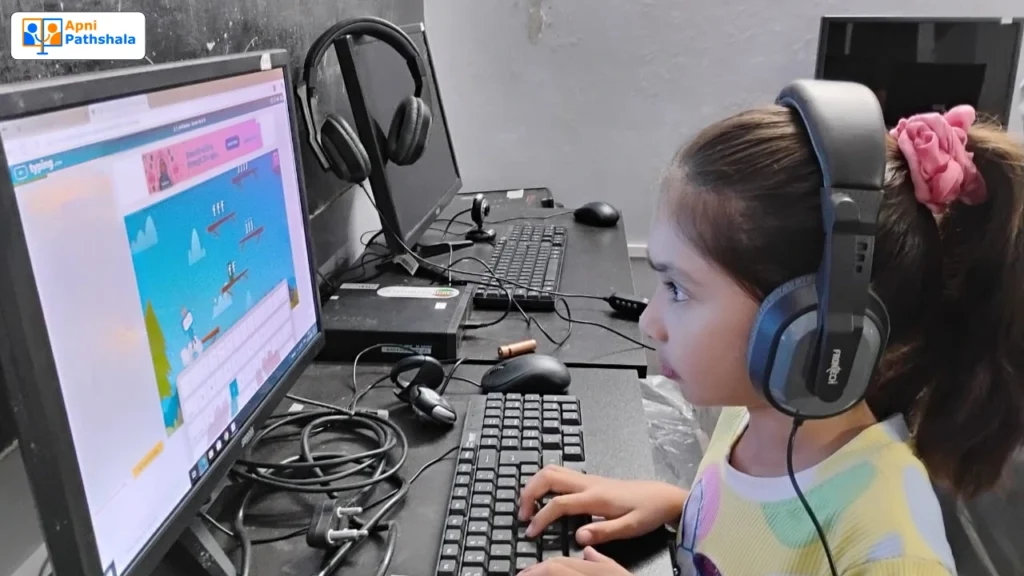
Setting up a computer lab is only the beginning. The harder part is keeping it useful.
Apni Pathshala’s partnership approach adds maintenance, monitoring and mentor support, helping schools keep the lab in regular use.
That means the focus is not simply:
“Does the school have computers?”
It is:
“Are students actually using them to learn?”
The same principle matters in computer lab management. A functioning lab needs working devices, regular monitoring, learning activities, and someone to help the school stay on track.
For an existing lab, this can turn an underused room into an active learning space. For a new lab, it makes maintenance part of the plan from day one. Schools can also refer to UDISE+ for school education and infrastructure data.
If you are still planning your lab, see our guide on setting up a computer lab in school. For budgeting decisions, explore school computer lab costs.
For what students should actually learn during lab time, see our computer syllabus for school students. Teachers can also explore free online courses for teachers with certificates to strengthen their digital skills.
For centres outside schools, our guide on an ngo computer centre covers similar sustainability challenges.
Keep Your Computer Lab Running
A computer lab should not be a room full of computers that stays locked. With regular maintenance, clear rules and the right support, it can become an active space for digital learning.
If your school has a lab but struggles with maintenance, monitoring, or regular use, Apni Pathshala can help with managed lab support, maintenance, and mentor support.
Ready to put your school computer lab back into regular use? Partner with Apni Pathshala for managed lab support, maintenance and mentor support, and turn an underused lab into an active learning space.
Frequently Asked Questions
1. Why are school computer labs not used?
Ans. School computer labs often stay unused because of maintenance issues, timetable gaps, outdated computers and unclear responsibility. A simple computer lab maintenance routine can address these problems. See computer lab in school for the setup basics.
2. How do you maintain a school computer lab?
Ans. Check computers, power, internet and essential software regularly. Keep an issue log and review repeated problems every month. This makes computer lab management easier. For budgeting, see the school computer lab cost.
3. What are the rules of a computer lab?
Ans. Students should handle equipment carefully, use the internet for learning, avoid changing settings or installing software without permission, keep the lab clean and report damage. Clear computer lab rules make the lab easier to use. Schools can also refer to CERT-In for cyber-security awareness resources.
4. Who is responsible for the school computer lab?
Ans. The school should assign a lab in-charge or responsible teacher to track usage, report problems and coordinate maintenance. Technical repairs can be handled by a support team, but ownership should remain clear. For classroom learning goals, see computer syllabus for school students.