Start Your Own Digital Learning Centre

Help Students Build Digital Skills

Start a Digital Learning Centre in Your Community and Help Students Learn Digital Skills

Why This Matters

 In many parts of India, students still don’t have access to quality digital education. They want to learn, but lack the right tools, guidance, and environment. A POD bridges this gap by creating a local learning space where students can learn and grow.

SCHOOLS

We partner with government and private schools to provide digital skills training using simple tools and guidance, making traditional learning more engaging.

Limited Access

Students don't have proper digital learning resources.

Lack of Guidance

No structured support to learn digital skills

POD Solution

A local centre that brings learning closer to students.

Why This Matters

Limited Access

Students don't have proper digital learning resources.

Lack of Guidance

No structured support to learn digital skills

Lack of Guidance

A local center that brings learning closer to students.

WANT TO OPEN A NEW APNI PATHSHALA POD

Open a local digital classroom with Apna PC, safe software, and mentorship. Help students in your community build real skills. Learn about eligibility and benefits.

Physical Space & Setup

Connectivity & Infrastructure

People & Safety

What is a POD?

A POD (Point of Digital Learning) is a small digital learning center set up in a local community by individuals, schools, or NGOs, with support from Apni Pathshala. Each POD is equipped with Apna PC computers and easy-to-use learning tools that help students learn computer basics, creativity, communication, and coding.

Apni Pathshala supports POD leaders by providing training, technology, and continuous guidance. The aim is to help local educators and changemakers bring quality digital education to students in their own communities whether in big cities like Mumbai and Delhi or in smaller towns and villages across India.

Who Can Start a POD ?

 If you believe in simple, practical, community-based learning, we can build with you.

EDUCATOR

We partner with teacher or educator to provide digital skills training using simple tools and guidance, making traditional learning more engaging.

NON - PROFIT

We partner with local Non-Profit to deliver free digital learning in underserved areas and offer low-cost options for students through minimal fees.

INDIVIDUALS

We support individuals who are passionate about teaching and ready to lead PODs, helping them bring quality digital education to their communities.

OTHERS

We are prepared to assist anyone who is committed to providing digital literacy in their community by providing Apna PC and dedicated support.

What Support Will You Get ?

Continuous guidance and support

Tools to manage students and track progress

A chance to create real impact in your community

Continuous guidance and support

Tools to manage students and track progress

A chance to create real impact in your community

STEPS TO OPEN A NEW APNI PATHSHALA POD

1.

Fill the Application Form

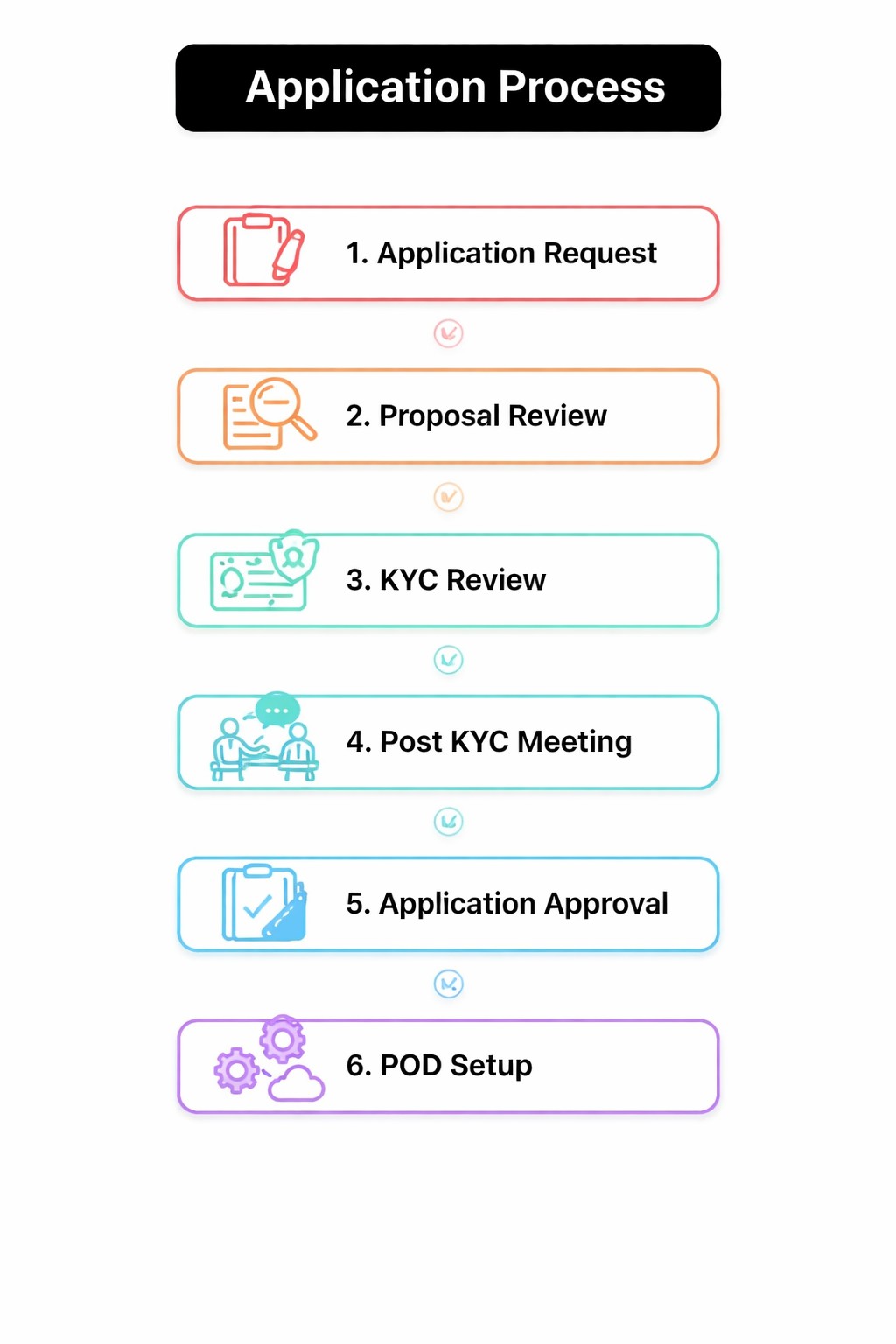
Submit the online “Start a POD” form with your basic details like name, location, purpose, and available facilities. This helps us understand your intent and readiness.

3.

KYC Verification

Provide required KYC documents such as Aadhaar, address proof, and NGO registration (if applicable). This step ensures authenticity and compliance.

5.

Approval and Lab Setup

Prepare the physical lab setup (tables, chairs, power, safety). Share a short video of the completed setup for final verification.

7.

Computer Delivery & Quality Check

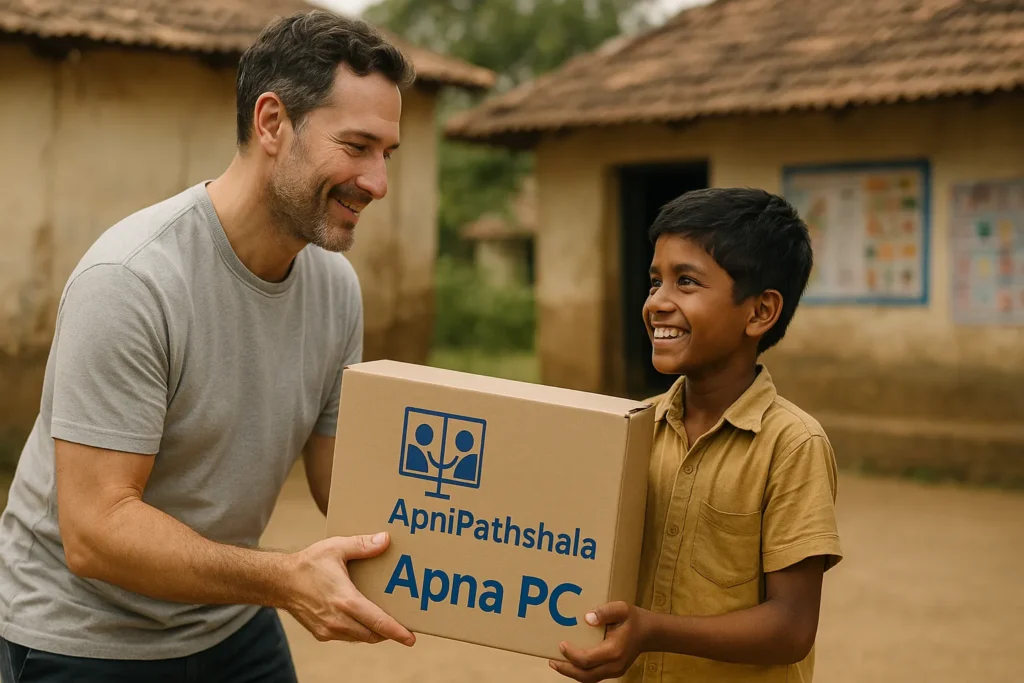
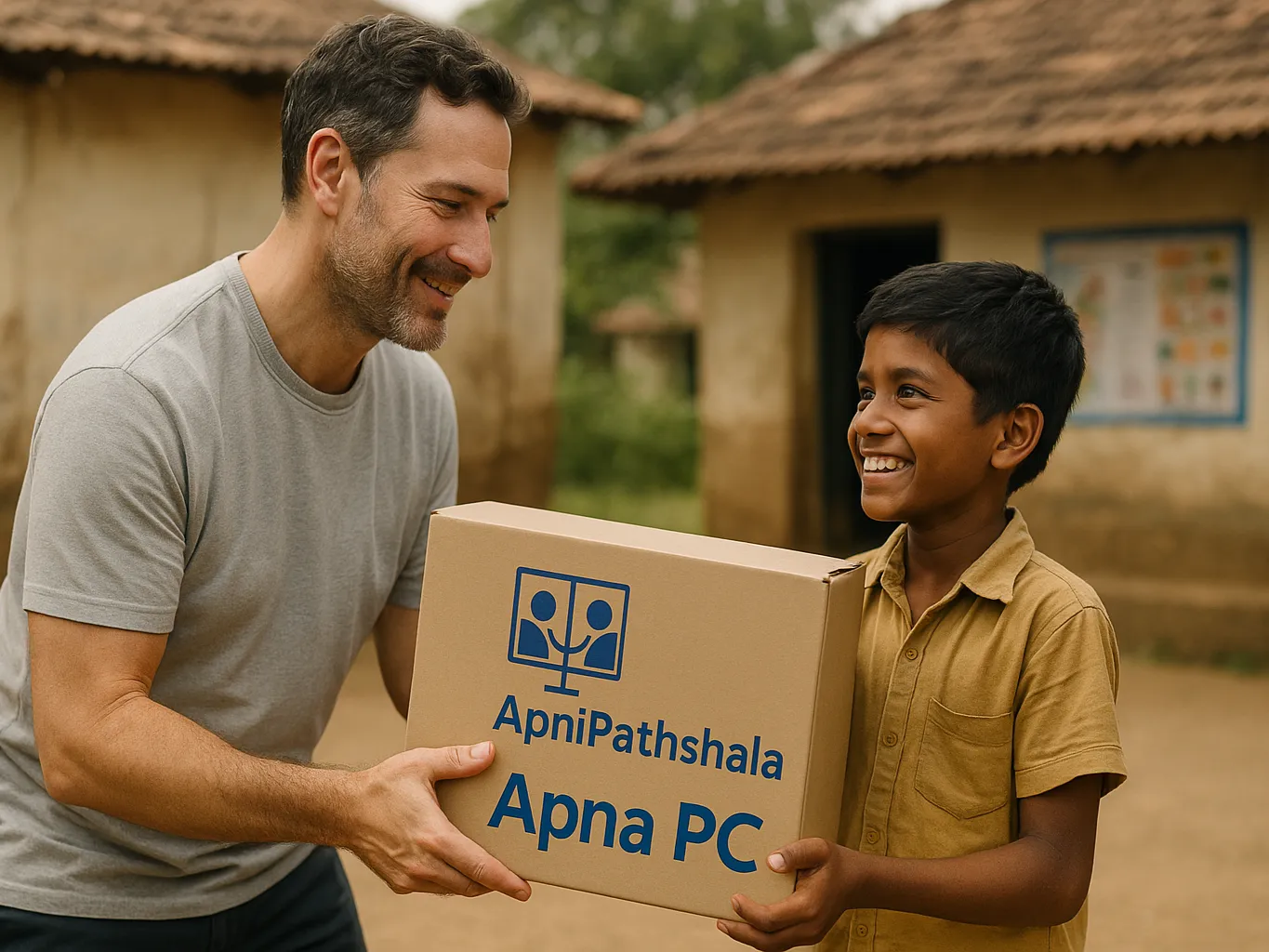
Once systems are delivered, unbox them, check functionality, and submit a QC report within 24 to 48 hours to confirm everything is working properly.

9.

Progress Tracking & Approval

Your POD status is tracked internally. Once all requirements are met, your application moves toward final approval.

11.

Computer Delivery & Quality Check

Once systems are delivered, unbox them, check functionality, and submit a QC report within 24 to 48 hours to confirm everything is working properly.

2.

Proposal and Demo video

If shortlisted, complete the proposal document with student plan, curriculum and long-term goals. Also submit a 3–5 minute video introducing yourself, your community, and why you want to open a POD.

4.

Online Verification Meeting

Attend a Google Meet with our team to discuss your POD plan, teaching approach, student impact, and future roadmap.

6.

MoU Signing

After approval, an MoU is shared. Review, sign, and return it without modifying any clauses to officially confirm the partnership.

8.

Lab Setup Confirmation

Prepare the physical lab setup (tables, chairs, power, safety). Share a short video of the completed setup for final verification.

10.

MoU Signing

After approval, an MoU is shared. Review, sign, and return it without modifying any clauses to officially confirm the partnership.

1.

Fill the Application Form

Submit the online “Start a POD” form with your basic details like name, location, purpose, and available facilities. This helps us understand your intent and readiness.

2.

Proposal and Demo video

If shortlisted, complete the proposal document with student plan, curriculum and long-term goals. Also submit a 3–5 minute video introducing yourself, your community, and why you want to open a POD.

3.

KYC Verification

Provide required KYC documents such as Aadhaar, address proof, and NGO registration (if applicable). This step ensures authenticity and compliance.

4.

Online Verification Meeting

Attend a Google Meet with our team to discuss your POD plan, teaching approach, student impact, and future roadmap.

5.

Approval and Lab Setup

Prepare the physical lab setup (tables, chairs, power, safety). Share a short video of the completed setup for final verification.

6.

MoU Signing

After approval, an MoU is shared. Review, sign, and return it without modifying any clauses to officially confirm the partnership.

7.

Computer Delivery & Quality Check

Once systems are delivered, unbox them, check functionality, and submit a QC report within 24 to 48 hours to confirm everything is working properly.

8.

Lab Setup Confirmation

Prepare the physical lab setup (tables, chairs, power, safety). Share a short video of the completed setup for final verification.

9.

Progress Tracking & Approval

Your POD status is tracked internally. Once all requirements are met, your application moves toward final approval.

10.

MoU Signing

After approval, an MoU is shared. Review, sign, and return it without modifying any clauses to officially confirm the partnership.

11.

Computer Delivery & Quality Check

Once systems are delivered, unbox them, check functionality, and submit a QC report within 24 to 48 hours to confirm everything is working properly.

Tap to interact
Double tap to interact
Application Process

Adopt A POD

Adopt A Pod

The POD Adoption Program enables anyone to sponsor a digital classroom, giving underprivileged students access to computers, digital learning, and brighter future opportunities.


OUR PODS

We aim to launch 1,000+ PODs to reach 1.5 lakh+ students. You can help by referring anyone interested in starting a digital learning centre or by partnering with us to scale digital education in India.

Already Making an Impact

1

Number of PODs across India.

9000

Employment Generated

1000

Academic Improvement of students

1

States / UT Covered

TESTIMONIALS

Real Stories from the Ground

These are real stories from across India that show how digital learning is changing students’ lives.

Every story starts with one step, bringing learning closer to students.

FREQUENTLY ASKED QUESTION

Who can join Apni Pathshala programs?

Anyone can apply, including individuals, NGOs, and schools. The only requirement is that the applicant must be credible and genuinely interested in fostering students’ growth through digital learning.

Fill out the application form. Your application will be reviewed within 3–5 business days. If shortlisted, you’ll be guided through the next steps.

You need a proper space, internet connection, and a local tech expert. All details are listed above on this page. Please check them before applying.

You’ll receive 10 fully equipped computers with all necessary accessories to run your POD. In return, you must follow our learning plan, share regular updates, and create a safe and welcoming space for students.
For detailed PC specifications, visit the Apna PC page

No, we do not charge anything to run a POD, even if it starts earning money.
However, we encourage you to support at least 10 students a year who cannot afford the fee, though this is not mandatory.

No. The PCs are given on a 15-month lease through a signed MoU. After the lease ends, the agreement needs to be renewed to continue using the PCs. Read the full Terms & Conditions here