The worst learning centre is a second school that opens at 4 p.m.
Your student has already spent the day listening, copying, memorising, and trying to find the answer an adult expects. If your centre adds another lecture and answer key, you have added two hours to the same day and called it support.
They may attend because a parent paid. They will return only as long as someone keeps pushing them through the door.
That is a weak learning centre business. Attendance slips. Referrals stay low. Fees become the only selling point.
A useful centre gives students something rarer: a question they care about, tools they can use, room to struggle, and work they can proudly show
Fill the Gap Instead of Repeating the Day
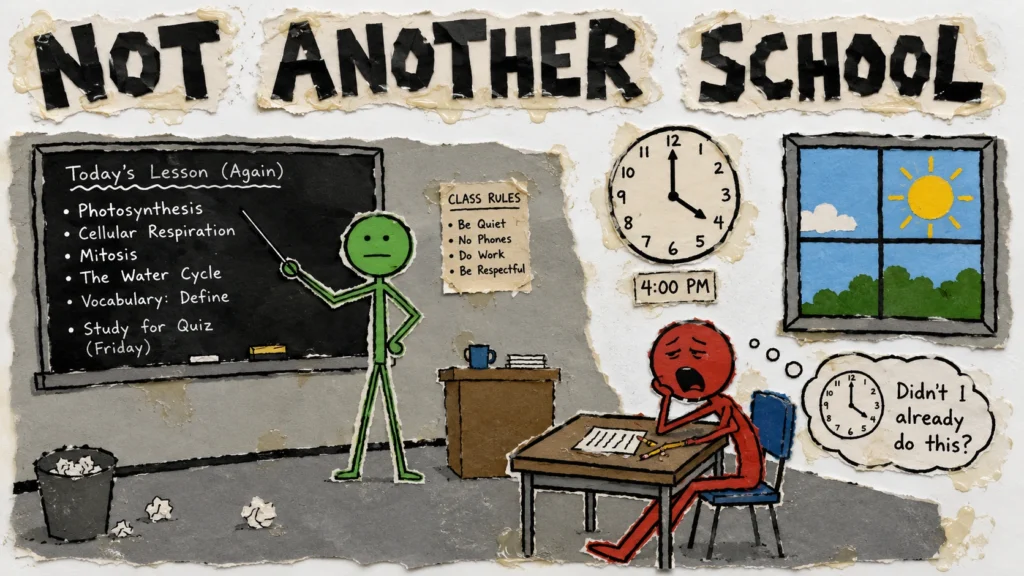
Schools give students subjects, routine, exams, and a shared base. Coaching centres help them prepare for tests.
A learning centre can add what busy timetables often leave out: time to explore an idea, build something, work with peers, make mistakes, and improve without losing marks.
If the experience feels exactly like school, students compare fees and location. If it feels alive, they talk about it.
Give Students Something Worth Making
Students often enter another room where an adult chooses the topic, pace, method, and correct answer. Their job is to receive.
A mentor can set a clear challenge, then let students choose the topic, tool, style, or team.
- “Learn video editing” is a course title. “Make a two-minute film about a local craft” gives the skill a purpose.
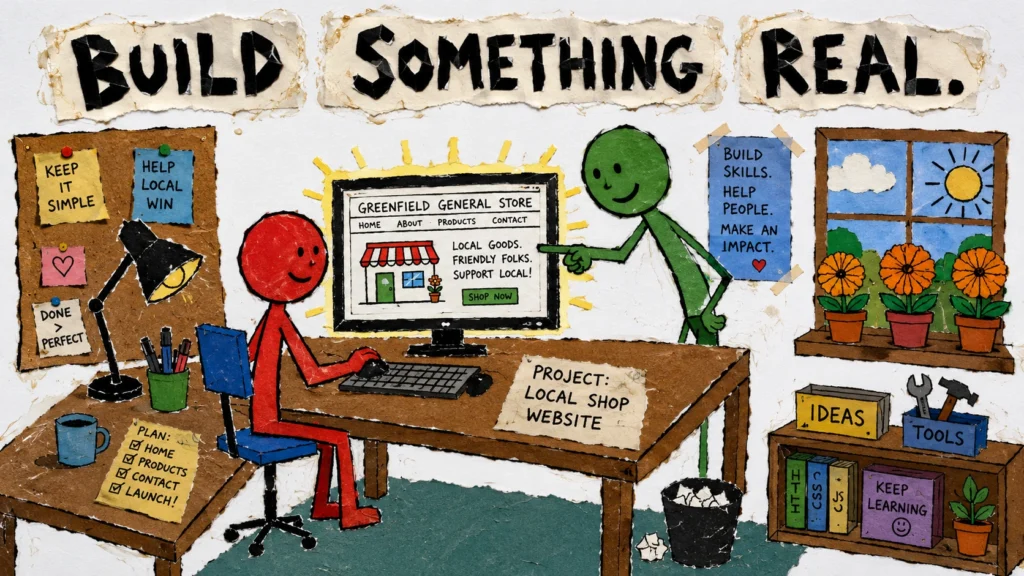
- “Learn web design” is a syllabus item. “Build a website for a nearby shop” gives the student a real problem.
A modern centre should help students produce work they can show. That gives students pride and parents evidence.
AI Has Raised the Bar
AI can explain a chapter, draft an essay, create slides, suggest code, and build a rough website in seconds.
A computer training centre based on copying steps from a board is becoming easier to replace.
Students still need digital skills, but the valuable work now includes:
- Choosing a useful problem
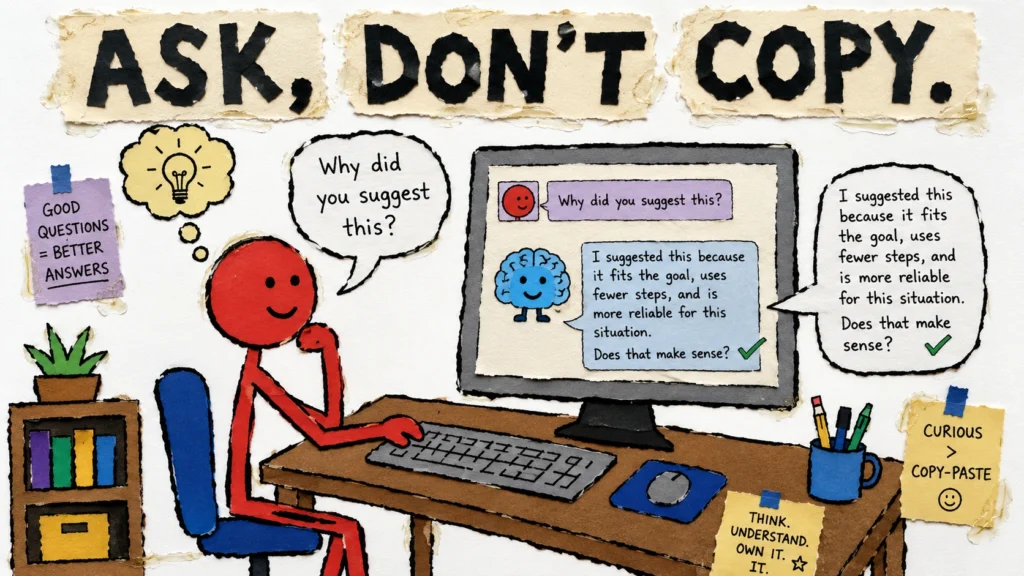
- Asking better questions
- Checking weak answers
- Combining ideas
- Explaining decisions
A good centre teaches students to use AI without handing over control.
Courses can cover digital foundations, writing, design, video, websites, coding, and AI-assisted projects. Learners can also strengthen practical workplace software skills through a Microsoft Office course, covering Word, Excel, PowerPoint, and Access. Every track should end with something the student can explain.
Design the Session Before the Room
Most education centre setup guides begin with rent, furniture, computers, and branding.
Begin with the student’s first 90 minutes.
The mentor checks what the student tried and where they got stuck. A short lesson teaches one skill needed for the project. Most of the session is spent building, testing, asking, and revising. The student ends by showing what changed and choosing the next step.
Use movable tables, buy tools for real projects, and train mentors to ask questions, notice confusion, and give useful feedback.
A large lab with no clear work is a costly waiting room.
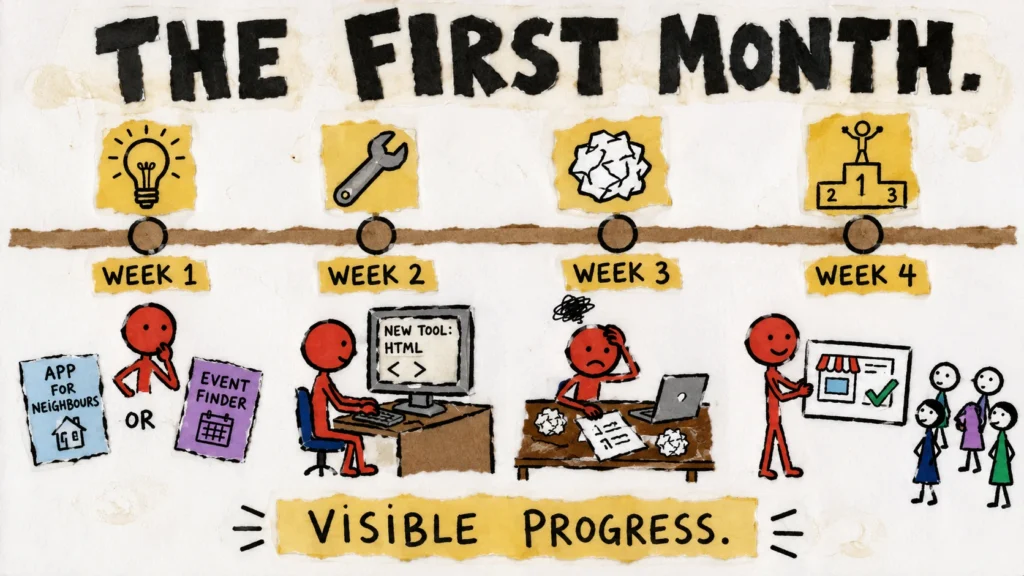
Make the First Month Visible
During week one, learn what students care about and help each person choose one clear project.
During week two, teach only the tools the project needs.
Week three is for the rough version, the problems, and the awkward first attempts.
In week four, students present their work to peers, parents, or local guests. They explain what they made, what failed, and what they would improve next.
Now “progress” has a face.
Measure What Students Can Do
Do not judge the centre only by hours taught, chapters completed, computers installed, or certificates printed.
- What can students now create?
- Which problems can they solve?
- Can they explain their thinking?
- How many return willingly?
- How many parents refer another family?
A student who once asked, “What should I copy?” and later asks, “Can I try another way?” is changing in a way that matters.
How an Apni Pathshala POD Can Help
A POD, or Point of Digital Learning, is a small community learning centre started by an individual, school, or NGO with Apni Pathshala’s support.
PODs use Apna PC computers and ready-to-use tools for computer basics, creativity, communication, coding, and practical digital skills. Local leaders bring the space and community connection; Apni Pathshala provides training, technology, mentorship, and guidance.
Apni Pathshala’s 2025 report lists:
- 22,006 students impacted
- 16,000 learners made digitally literate
- More than 3,000 daily learning hours
- 107 active PODs across India
Build a workshop for thinking and making, not another room for passive listening.
Build the Place Students Return To
Students already have places where adults speak, chapters move, and exams approach.
Build the place where they can ask questions, use real tools, make an imperfect first version, and discover that their attention can create something meaningful.
Are you ready to start a local learning space where students think, create, and build practical digital skills? Explore Apni Pathshala’s POD model and start a POD in your community.
Before planning your centre, read our previous guide: Education Entrepreneurship in India: How to Build a Business With Purpose and Profit.
It explains how learning outcomes, parent trust, and a sustainable business model can work together.
Frequently Asked Questions
1: What is a learning centre business?
Ans. It is a local centre that provides academic support, digital skills, creative learning, or practical training outside regular school.
2: How do I plan an education centre setup?
Ans. Plan the student experience first. Then choose the space, computers, mentors, timetable, and courses needed to deliver it.
3: What should a modern computer training centre teach?
Ans. It should teach digital basics, online research, content creation, AI use, websites, coding, communication, and project-building skills.
4: How can a learning centre keep students interested?
Ans. Give students meaningful projects, some choice, regular mentor feedback, and work they can show to parents and peers.