

To learn digital skills before college, start making something.
A real project forces you to research, learn tools, use AI, fix errors, explain your idea, and finish work another person can open.
My first project was a YouTube channel about Marvel and DC. I made videos around important questions, like whether Iron Man was better than Batman.
He was obviously.
The videos were basic. Still, I kept opening my channel just to look at them. Until then, the internet had shown me what other people could create. Now it contained something because I had created it.
Tutorials can fool you. Everything feels easy while someone else is doing the work. The moment you try alone, the borrowed confidence disappears.
You need a real goal, your own attempt, and help when the work exposes a gap. These 7 skills will help you make something worthy enough.
Skill #1: Turn an Interest Into a Clear Project
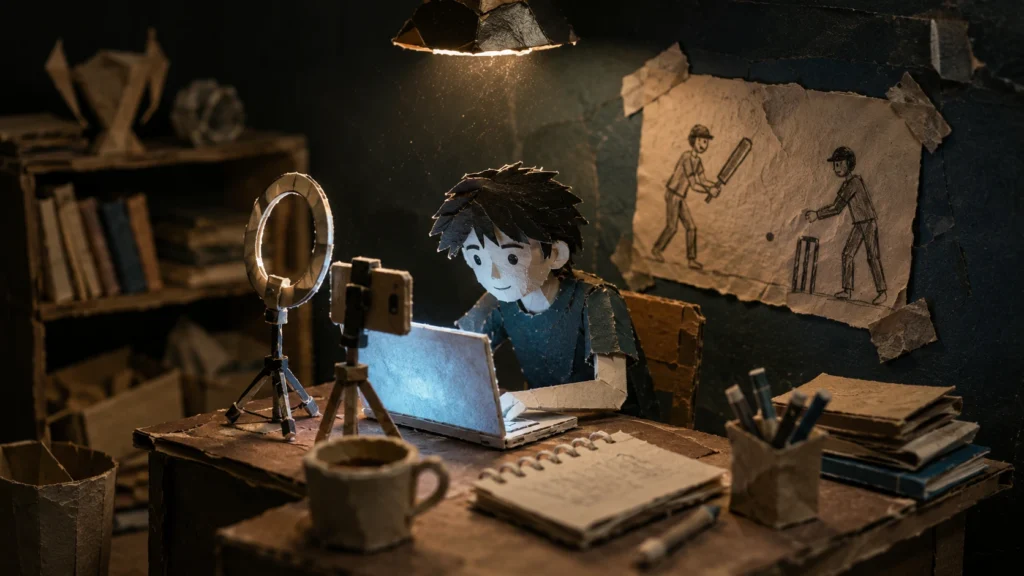
“I want to make a cricket video” is an interest. “Compare Dhoni and Kohli during successful ODI chases” is a project.
Before opening Canva or asking AI, decide what you are making, who it is for, and what you can finish this week.
Otherwise, the tool begins making the decisions.
Skill #2: Research and Verify What You Find
A Reel gives you a shocking statistic. Reddit gives you a confident explanation. AI gives you a source that looks real and trustifed.
Personally, I often begin with Reddit and personal blogs ( on substack or medium) because they contain ideas mainstream pages miss. But discovery and proof are different jobs.
Trace the claim to the original report, interview, study, or dataset. Check the date. Find a serious disagreement.
Finding information is easy nowadays but Judging takes the real work. Original opinion needs cross domain knowledge and mental energy.
Skill #3: Teach Yourself the Tool You Need

Many people delay creating because they think they must finish a full course first.
They want to edit one video, so they begin a forty-video playlist. By lesson twelve, the excitement is in critical condition.
A project asks smaller questions:
- How do I cut this clip?
- Make this chart?
- Publish this page?
Learn enough to solve today’s problem.
Skill #4: Use AI Without Losing Your Own View

I use AI to summarise papers, inspect long YouTube videos, discover unusual blogs, and ask basic questions until a difficult idea makes sense.
The problem begins when AI chooses the topic, forms the opinion, writes the script, and leaves you presenting work you barely recognise.
Ask it to challenge your argument, find missing evidence, explain one confusing part, or test your understanding.
AI can speed up the work but you should still be able to defend it.
Skill #5: Keep Your Work From Disappearing
I once downloaded a PDF with a filename that looked like a spaceship code: 598054849oceanofjfjghg.pdf
I needed it. My laptop knew it existed. We never met again. Never.
The takeaway is Keep one folder per project. Separate research, assets, drafts, and finished work. Rename files while you still remember what they contain.
Skill #6: Fix What Breaks Without Waiting for Rescue
Sooner or later, the tool will betray you.
The video refuses to export. The image is too large. The website becomes abstract art on a phone.
Ask:
- What should have happened?
- What happened instead?
- What changed?
- Which cause can I test first?
Then search the exact error. Digital confidence grows when a tool can’t scare you by subscription end notifications.
Skill #7: Publish Work That Can Speak for You
Private work lets confusion hide.
The moment another person sees the project, weak parts appear. The title makes no sense. The explanation is cringy.
Publishing teaches communication and creates proof. And a sense of accountability.
You can start by posting on X or document daily updates on a yt channel.
One Project Can Teach All Seven Skills
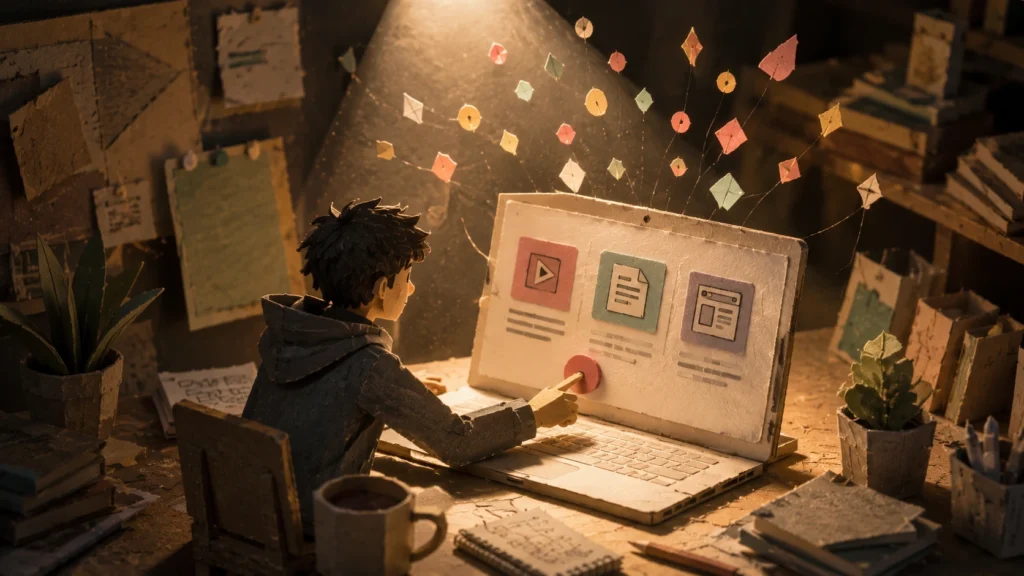
Take one question: Who was the better ODI chaser, Dhoni or Kohli?
You must define “better,” find reliable data, learn spreadsheet tools, organise files, use AI to test your argument, fix editing problems, and explain the conclusion.
You will begin with an opinion then work will makes it sharper.
How an Apni Pathshala POD Can Help
Many teenagers already have interests. What they may lack is a computer, a mentor, or a place where the ugly first version is allowed to exist.
An Apni Pathshala POD can provide tools, guidance, and chances to present finished work.
The learner owns the work. The mentor will help when confusion, problems arises.
Build One Thing Before College
Pick one interest. Turn it into one clear question. Make something small within seven days.
A video. A website. An article. A spreadsheet. A game ( take help of ai).
Create Anything!
The first obstacle will show you what to learn next.
Before beginning, read Study Habits for Students: Learn to Think From First Principles. It explains how to break confusing problems into smaller parts and build understanding from the ground up.
Ready to help young people move from using technology to creating with it?
Frequently Asked Questions
Q1: What digital skills should teenagers learn before college?
Planning, research, AI use, organisation, troubleshooting, communication, and portfolio building.
Q2: Can teenagers learn digital skills without coding?
Yes. Videos, websites, articles, spreadsheets, presentations, and research projects all build useful abilities.
Q3: How should teenagers start?
Begin with one small project based on a real interest. And research for the next step as soon as you face any problem. It exposes your knowledge gap.
Q4: Why do projects teach digital skills well?
They give every lesson a purpose. All the high achievers keep saying to actively engage with your work. Why? Because active learning has shortest feedback loop. You solve a ques. Now you know what forumla you forget at that the time of revision. Now you can quickly write in your flashcards.


3 Responses
Excellent article! Digital skills are becoming essential for every teenager’s future. Thanks for sharing such valuable insights!
Excellent article!
Thank you so much! Glad you found the article helpful. Digital skills can really make a big difference for teenagers when they get the right guidance at the right time.