
Safety First. Learning Always
The Apni Prerna ensures every student learns safely in a distraction-free, transparent, and trackable digital environment.
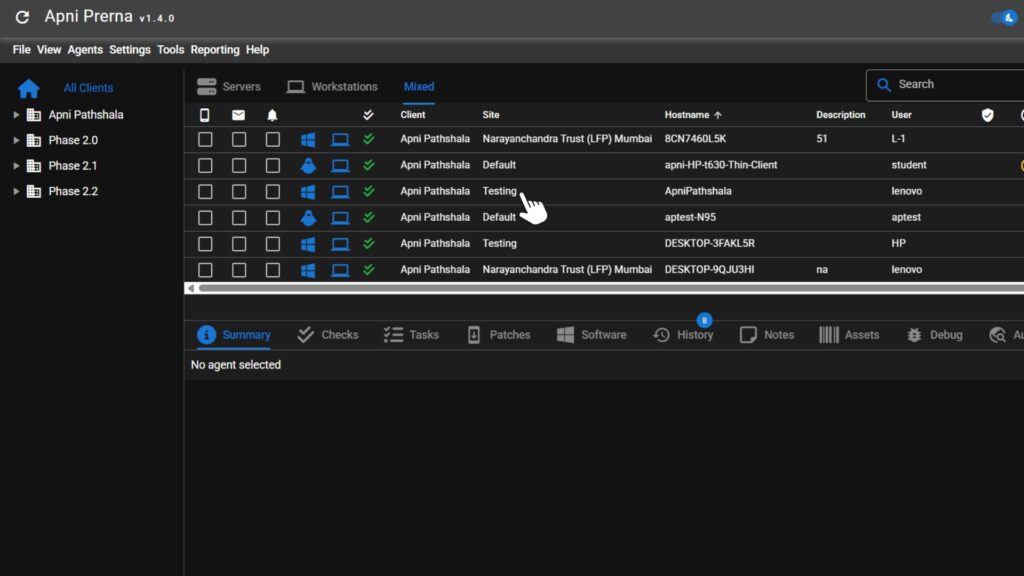


Data that Builds Trust
Why Every POD Needs Apni Prerna
Keeps students safe and focused
We aim to keep each student’s data, learning, and activity safe and secure.
Saves time with automated monitoring
Enables POD Leaders to track students’ browser activity efficiently.
Enables transparent, data-driven insights
Data-driven insights help us provide the right information at the right time.
Strengthens trust
Focusing on education builds trust between parents, PODs, and the AP team.
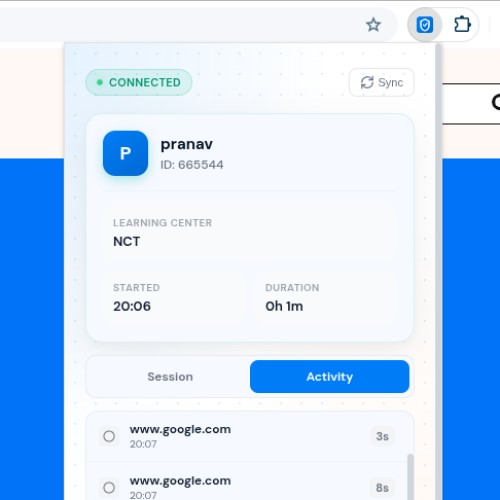
Browser Extension
The Apni Prerna consists of two parts, one of which is the browser extension named Nexus Endpoint Extension. It comes with various features such as:
Tracks total/active/idle time
Measures how long each student stays active or idle to assess engagement levels.
Blocks harmful or non-educational websites
Automatically restricts access to distracting or unsafe online platforms.
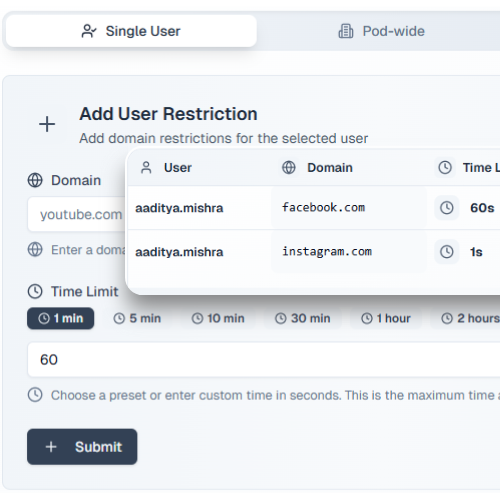
Custom blocking per POD
Allows each POD to set personalized website restrictions based on their needs.
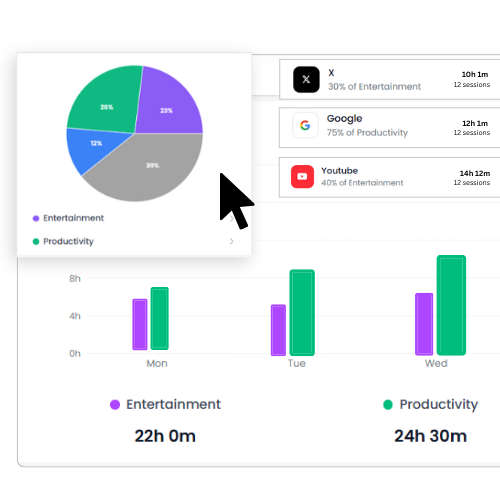
Dashboard-based insights
Displays detailed activity data and learning patterns through an easy-to-use dashboard.
Nexus App
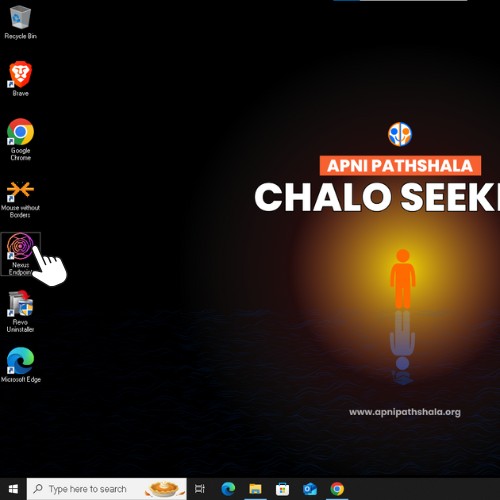
The Apni Prerna also includes the Nexus App, designed for full OS-level control and maintenance. It comes with various features such as:
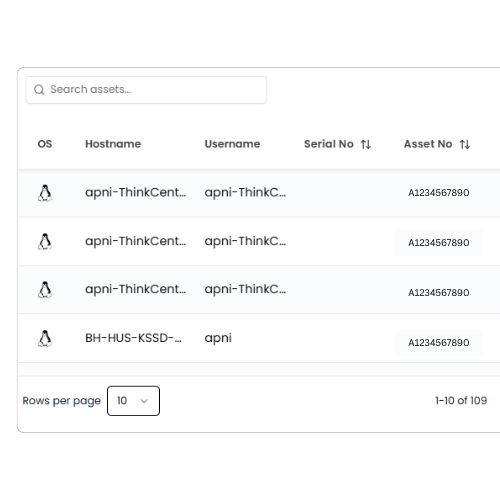
OS-level access
Provides complete system-level visibility and control for better device management.
System health
Continuously monitors the computer’s performance, including CPU, memory, and disk usage.
Bulk installs & resets in a single script
Makes it possible to install or reset all systems within minutes.
USB and network control for security
Prevents unauthorized data transfer and secures all network ports.
Fast remote troubleshooting by AP Tech Team
Enables the AP technical team to resolve issues instantly without physical access.
How Apni Prerna Makes POD Operations Easier
There are a ton of reasons why the Apni Prerna should be used by PODs to help students, parents, and POD Leaders in many ways.
Digital Discipline
Ensures focus by blocking distractions
Centralized Maintenance
Bulk resets and installations completed in minutes
Performance Insights
Real-time dashboard showing student learning activity
Remote Troubleshooting
Allows quick fixes without POD downtime
Built on Trust. Secured for Every Student.
Student safety is our first priority; data is tracked only to record growth.
Data Transparency
We believe in complete clarity with students. Only general usage patterns are monitored to track growth: never personal files, messages, or private content.
- Clear Boundaries
- Insight for Improvement
Security Layer
Each Apna PC system includes OS-level protection to prevent misuse or harmful actions.
- Multi-Layer Defense
- Safe Learning Zone
Accountability
Used only on registered Apni Pathshala POD computers under official governance.
- Governed Access
- Ethical Use Policy (Coming Soon)
FREQUENTLY ASKED QUESTIONS
What is the Apni Prerna?
It is a digital safety and monitoring system that ensures students use Apna PCs responsibly and for educational purposes only.
Who can use Apni Prerna?
Every Apna PC owner has access to the Apni Prerna . Not aware of what “Apna PC” is? Check out here
How does it protect students?
It blocks harmful websites, tracks learning activity, and ensures every device is used solely for education.
Can a POD customize restrictions?
Yes, each Apna PC’s settings can be changed to include or remove website restrictions according to its educational needs.
How can POD leaders get support?
POD Leaders can contact the Apni Pathshala Tech Team directly for setup, updates, or troubleshooting assistance, or else they can find everything about the Apni Prerna on our POD Operating Manual: Click Here
How can I get this software?
Unfortunately, it is, for now, only available to the Apna PC users. So if you have an Apna PC and want Apni Prerna installed on your system, you can contact our team at: [email protected]
Safety begins with awareness.
Make your POD digitally secure today. Track student progress and ensure a safer environment for your learners now.